Put the product first
A product image anchors the first screen.
 GSquared
Keep the store.
Make it feel like your brand.
We redesign your Shopify storefront around your products, your brand and the way customers shop.
A storefront with more of the brand in it.
"You Julio are a rockstar!!!"
David
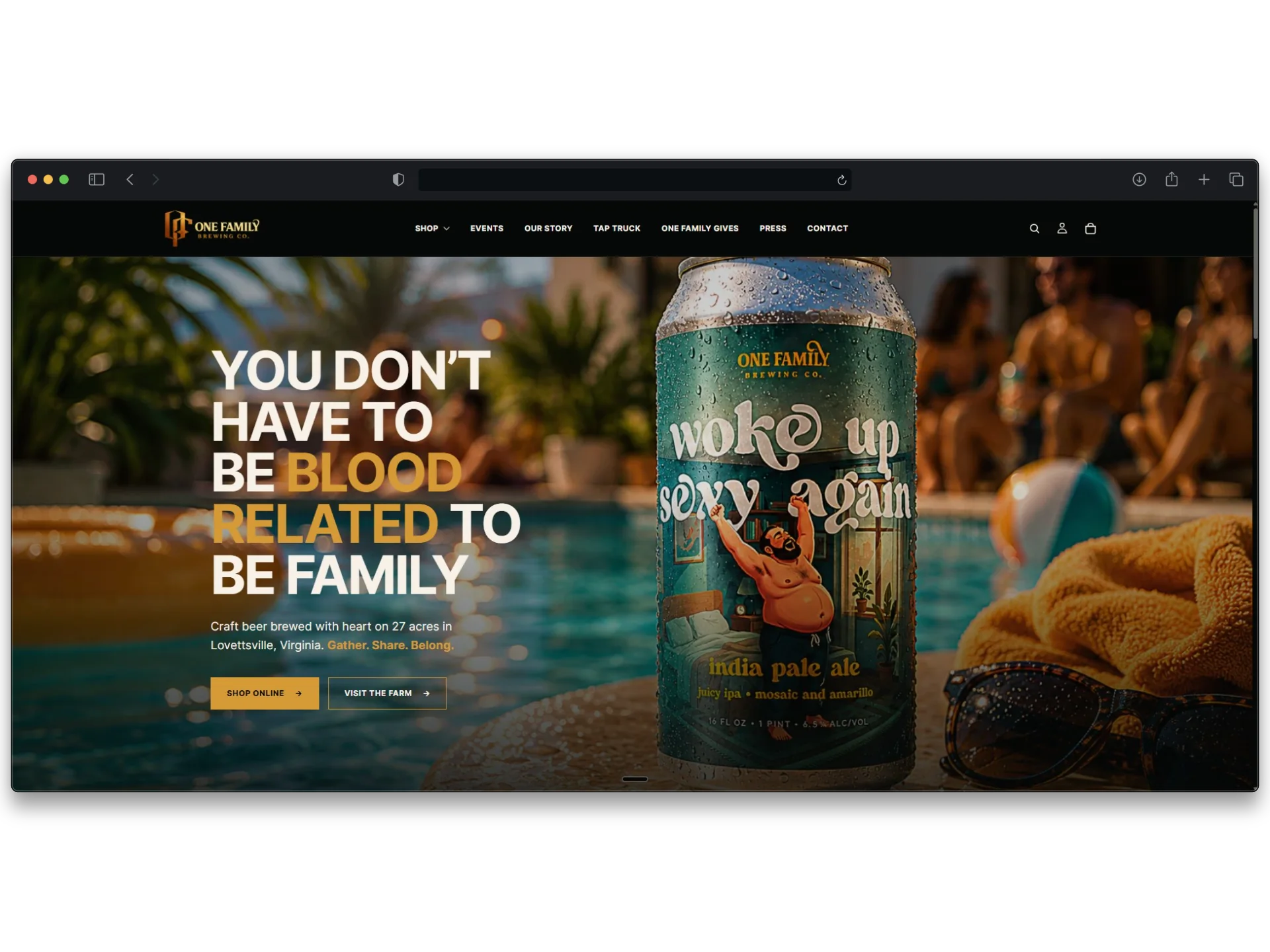
One Family Brewing
A product image anchors the first screen.
Shop online and visit the farm have distinct links.
The navigation gives the story and events their own place.

Refine the look, navigation and selected templates.
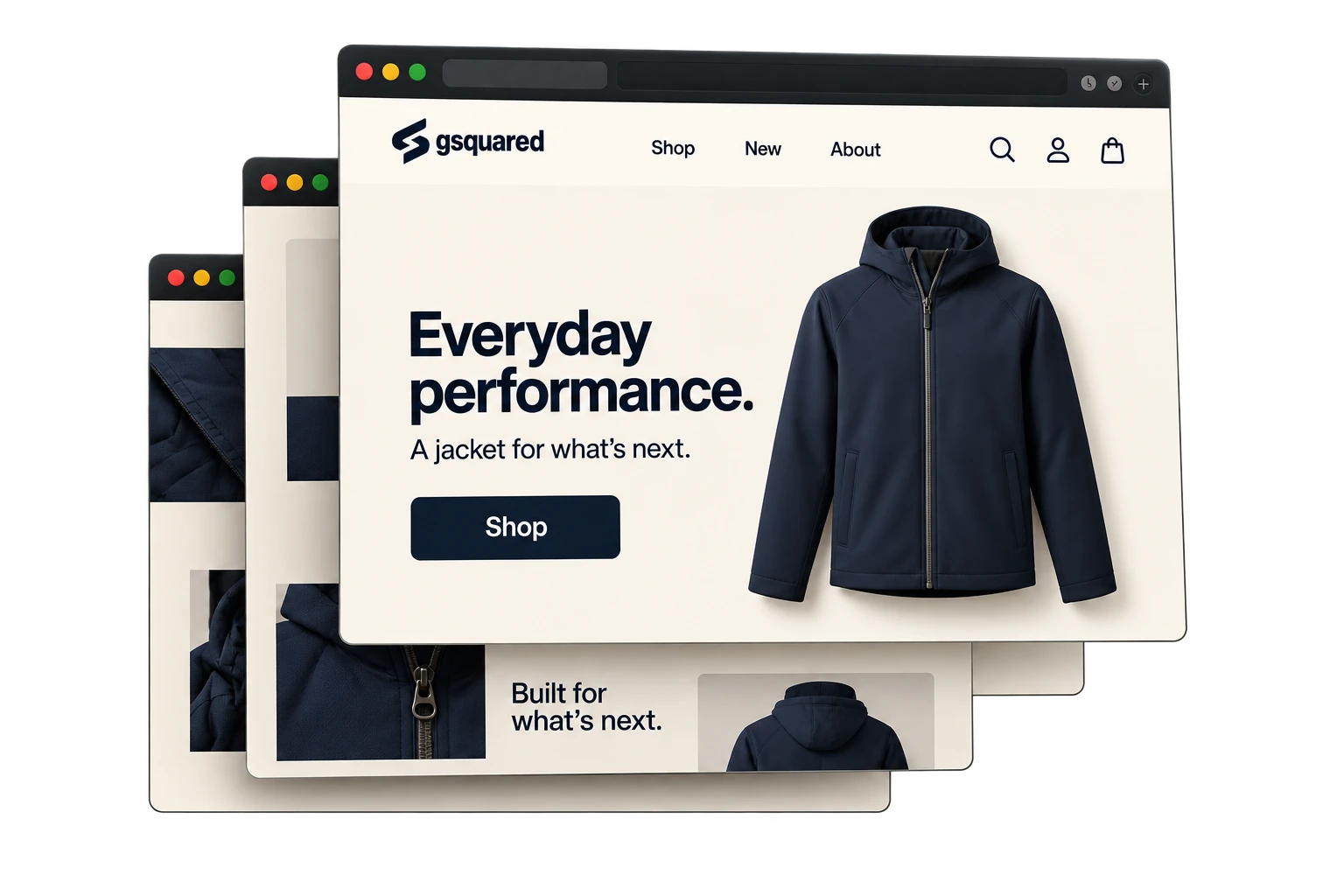
Replace the theme structure while keeping Shopify.
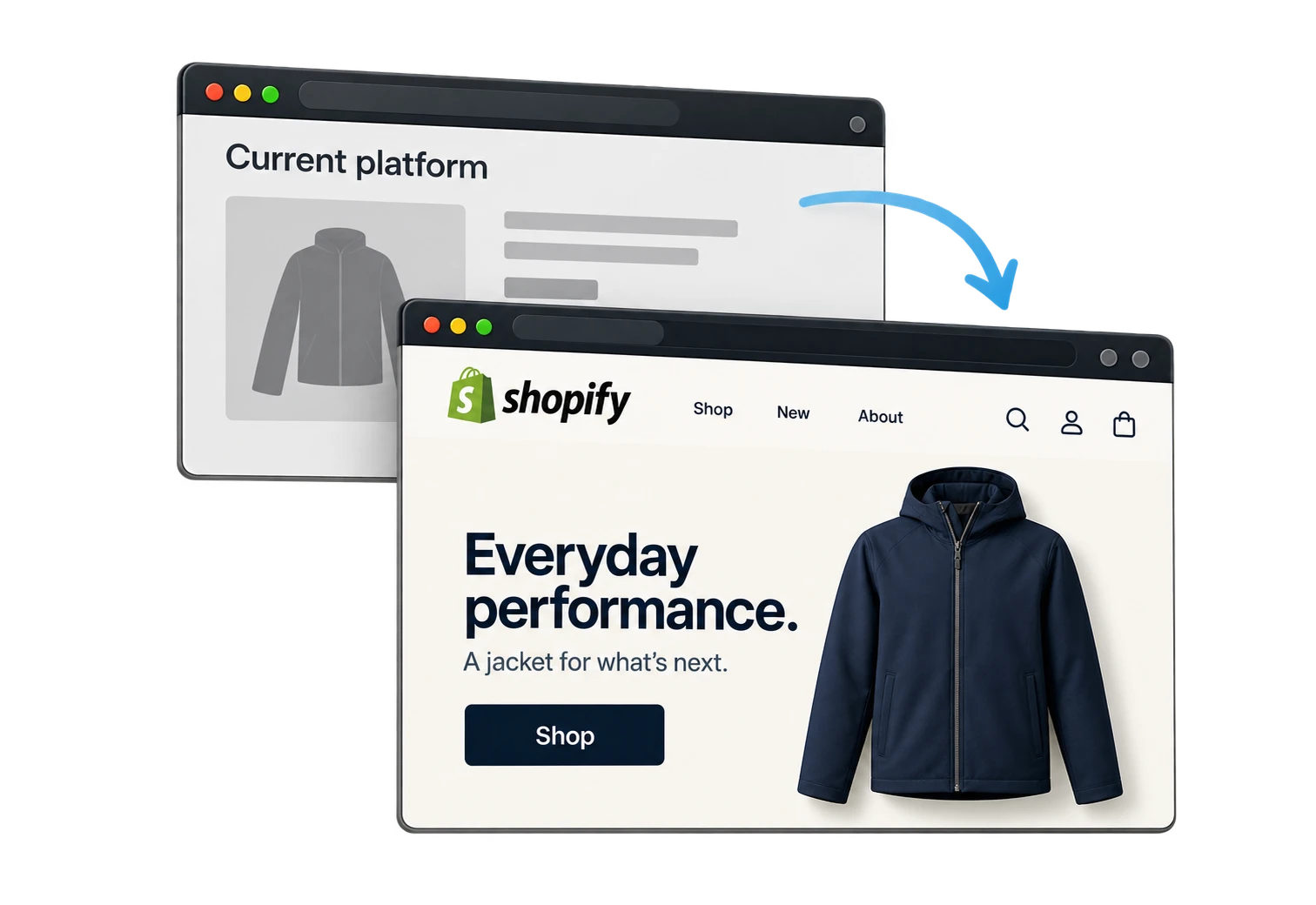
Move the store from another platform to Shopify.
We review the current theme before recommending the depth of the work.
Explore Shopify migrationsYour catalogue and customer records stay in Shopify.
Before the build, we document the apps, fulfilment settings and store routines the redesign must support.
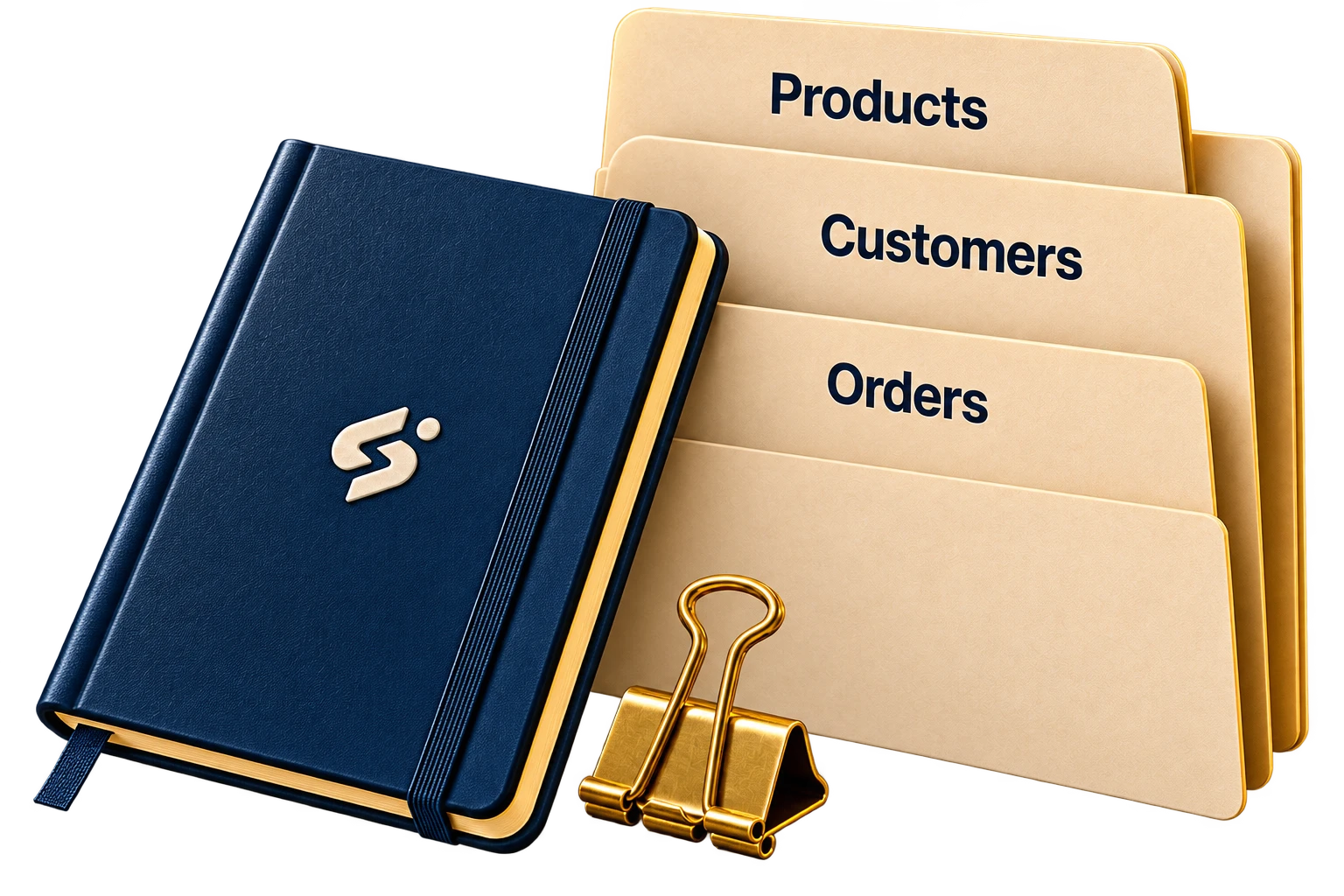
Confirm what stays before design begins.
We build the theme in draft and collect feedback against the agreed scope.

Browse the draft theme and test the navigation on your phone.
Send one consolidated round of comments against the agreed scope.
Confirm the design and agreed changes before the launch review.
Theme changes stay in the draft. Shared store data and app settings need a separate change plan. About Shopify theme previews.

Keep a backup before changing the storefront.
Check variants, cart, discounts and checkout.
Test theme integrations and map changed links.
Publish the approved theme and verify the live store.
We retain the previous theme for the launch plan. Changes to store data and app settings are reviewed separately. How Shopify publishes themes.
Show us what works, what feels dated and what you want to change.
