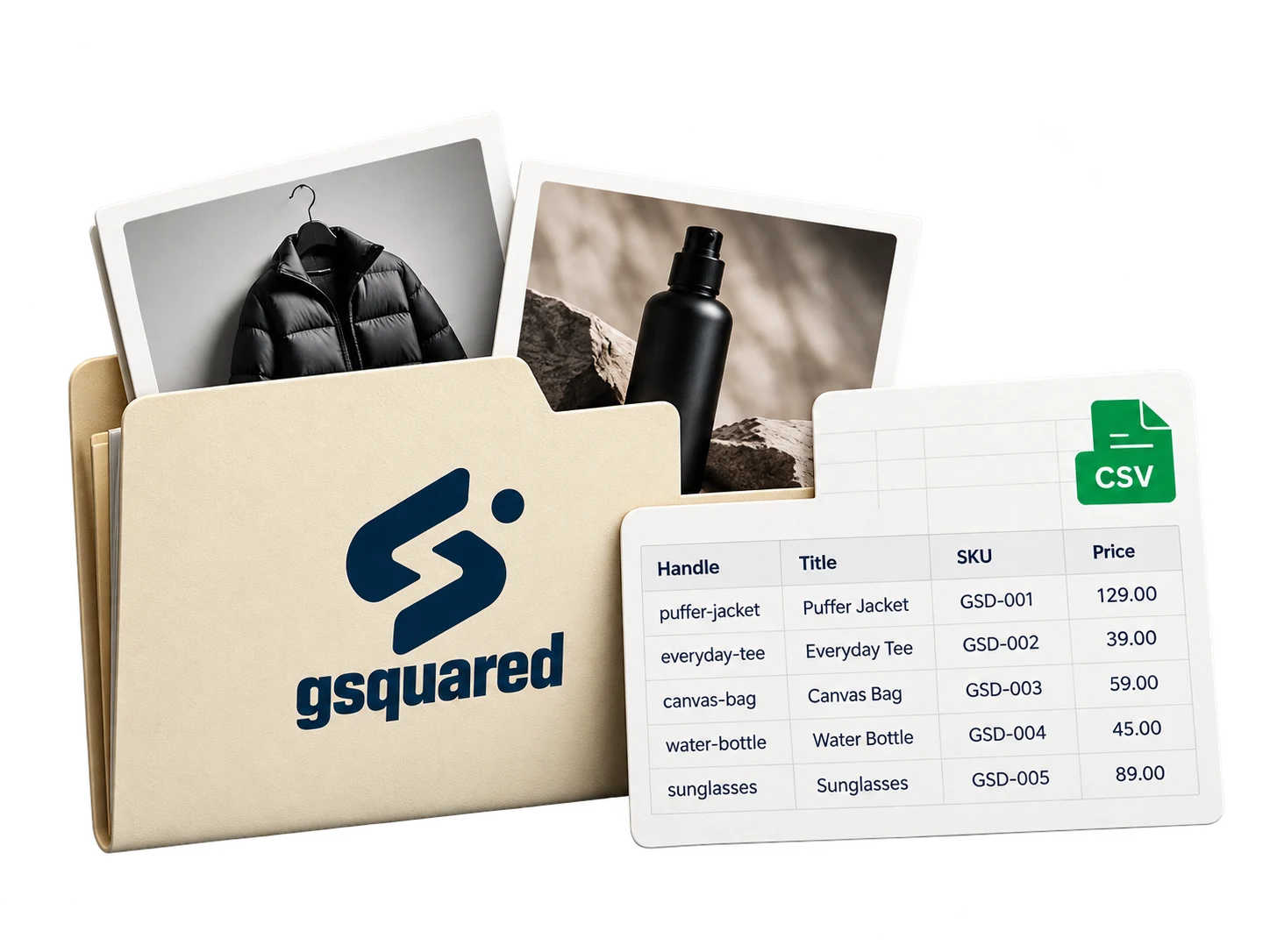
Export and map
Physical products: CSV export.
Contacts and orders: export, format and import.
 GSquared
Rebuild the design. Replace the Wix features.
Our Wix to Shopify migration services rebuild your storefront and Wix features for Shopify, with a working preview before launch.

Approved branding, content and visual direction.
Page layouts, navigation and the features that run on Wix.
Wix layouts run on Wix. We rebuild the approved pages in Shopify and agree the design changes before development. These storefronts illustrate the rebuild; they are not a delivered client migration.
Physical products: CSV export.
Contacts and orders: export, format and import.
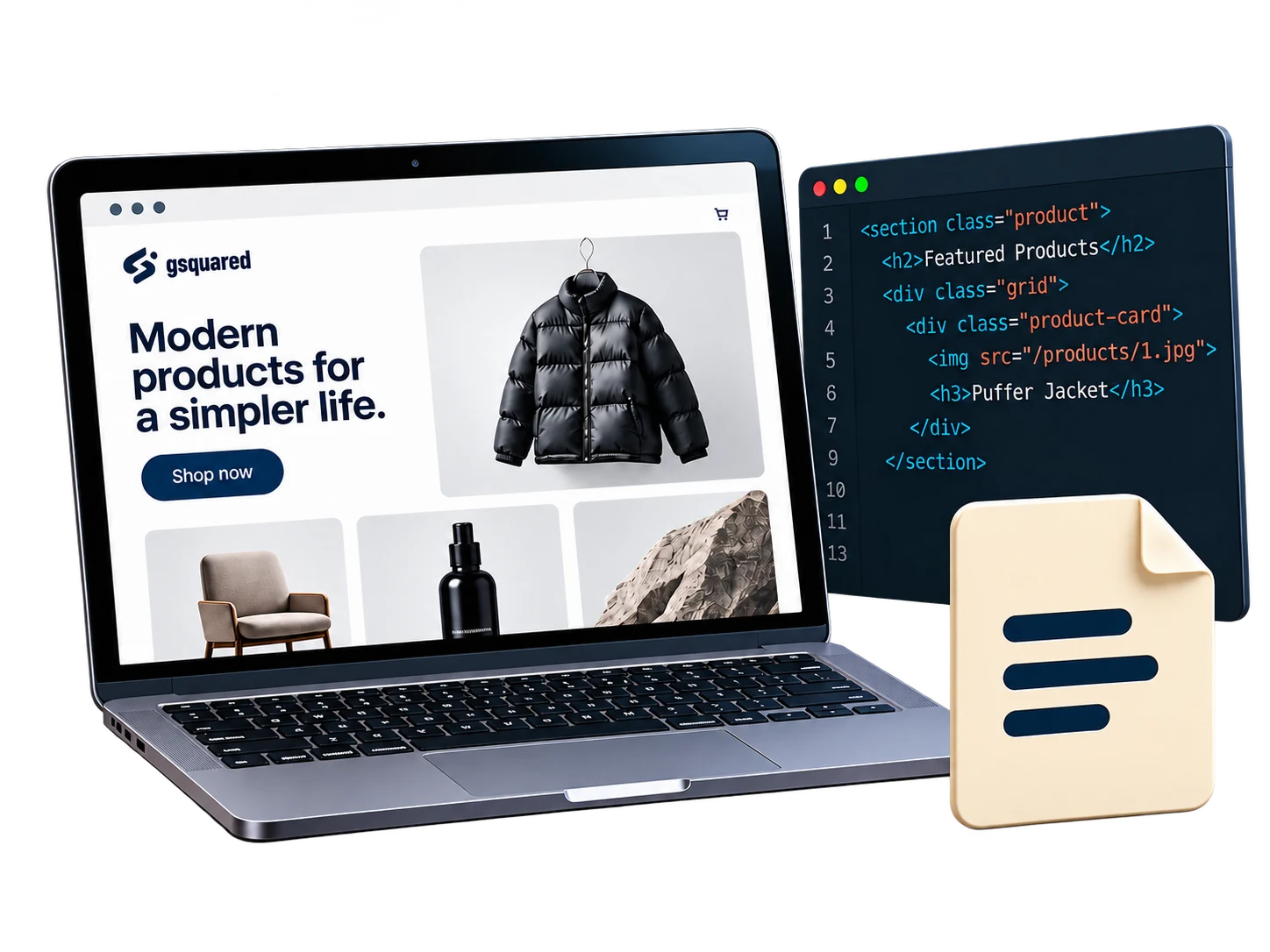
Layouts, media and page content.
Digital products, app data and Wix-specific features.
Wix product CSV exports exclude digital products and allow up to 5,000 rows per file. Wix export details ↗
We map Wix categories to Shopify collections, check product options and images, and review the imported records. Contacts become customer records; customer passwords are not transferred. Account access is configured separately.
Order history uses a separate import route. We confirm the import method and notification settings before moving historical orders. Page layouts, media, bookings and app data are scoped outside the product CSV.
Shopify's Wix migration guidance ↗We record the current behavior, choose the replacement and define how it will be tested.

Rebuild the fields and confirm where submissions go.
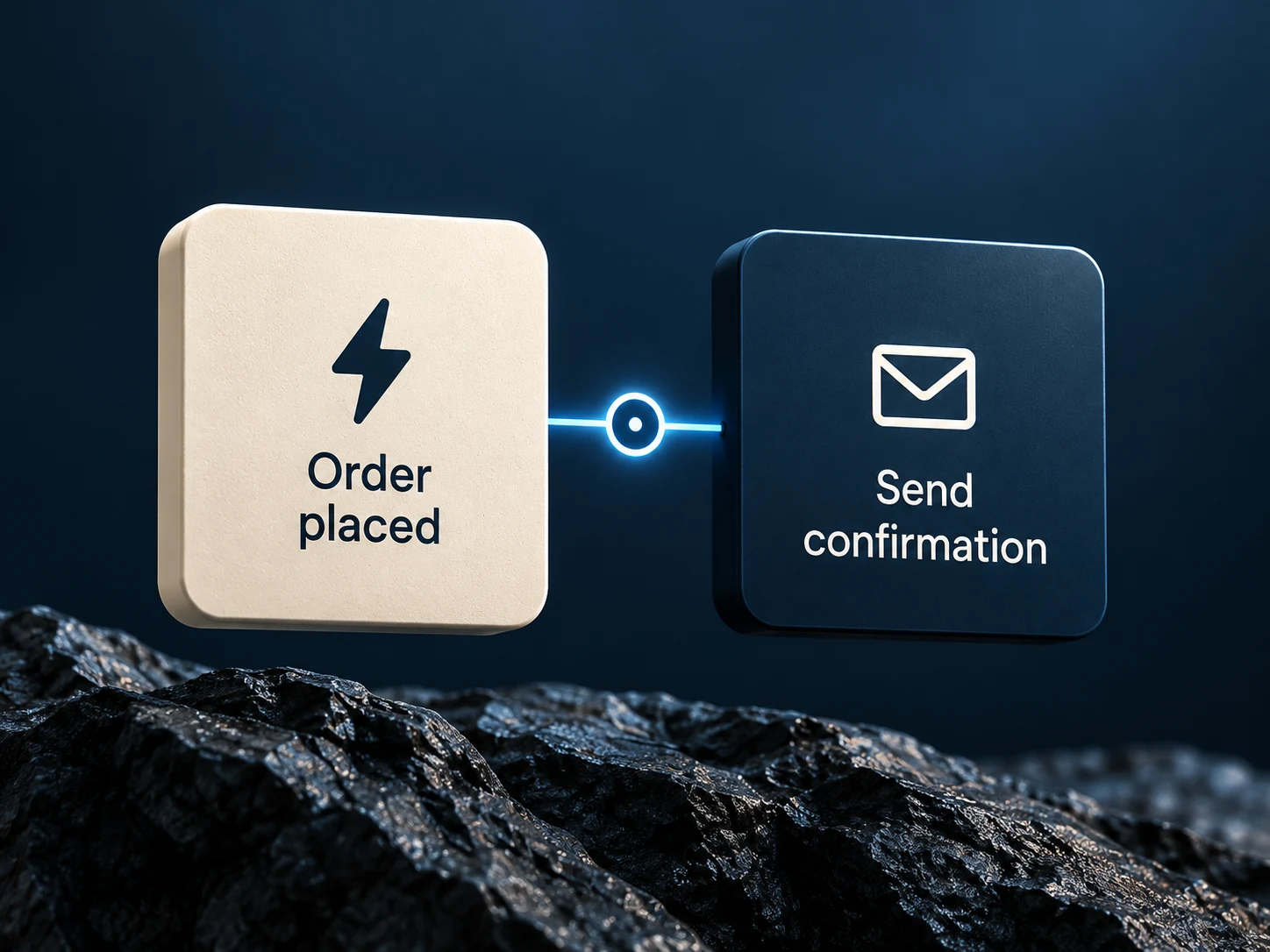
Recreate the trigger, conditions and follow-up action.
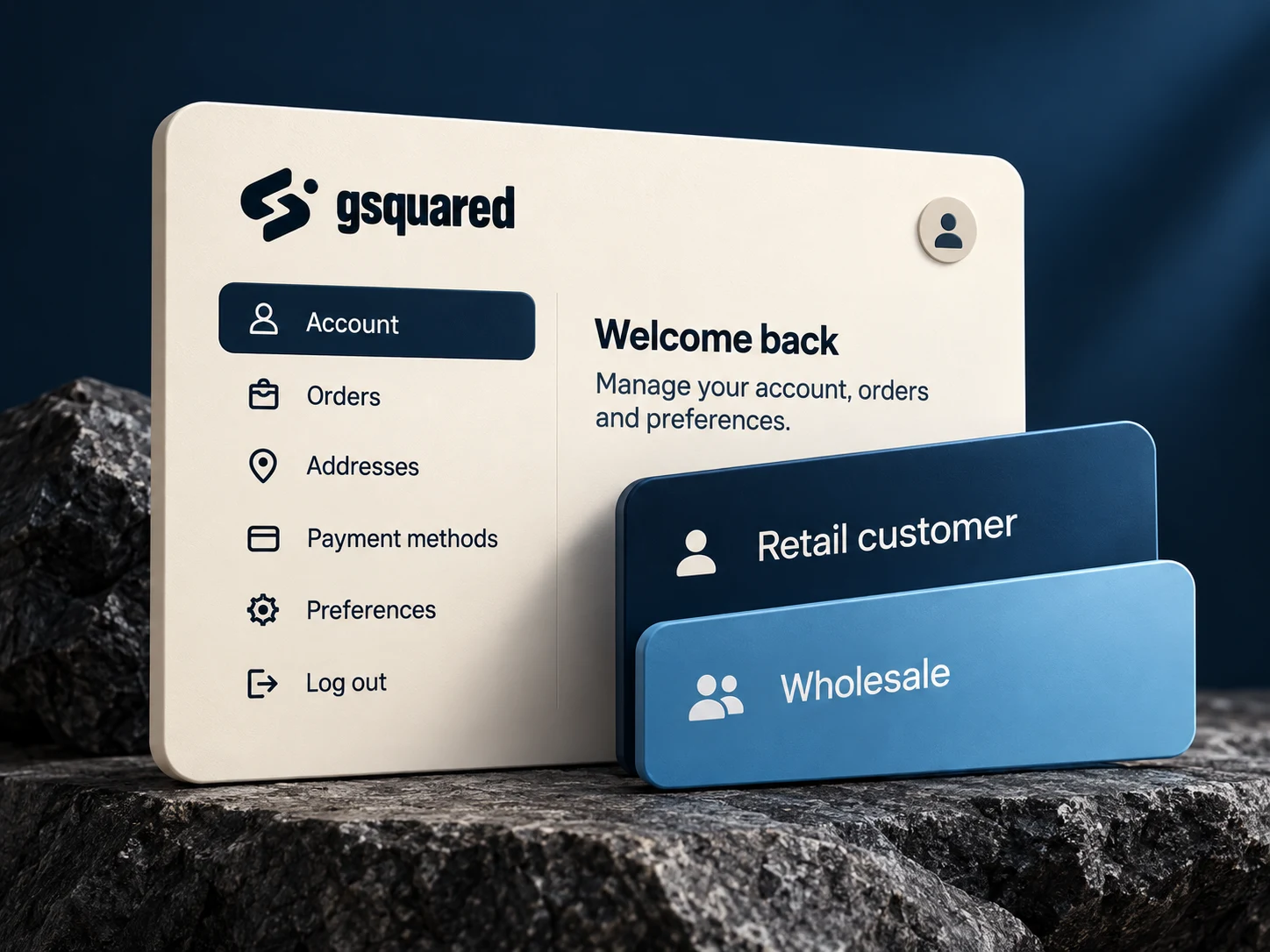
Define account access and the pages each customer sees.
Bookings and Velo code get a separate scope before development.
We map existing paths to Shopify pages and test the redirects after the domain switch.
Shop · About Shop · About
/product-page/field-jacket/products/field-jacketReview the storefront, buying path and forms before the domain switch.

We prepare Shopify separately, review the final changes and schedule the domain switch after approval.
 Current storeStays published
 Working previewBuild → Review → Approve
Wix remains published while Shopify is prepared.
Confirm final data, redirects and the launch window.
Check domain, SSL, checkout and incoming orders.
DNS propagation and SSL provisioning affect the switch. The launch plan includes monitoring and recovery steps. Shopify domain guidance ↗
Tell us about your store and the move you’re considering.
